01
Find an offer
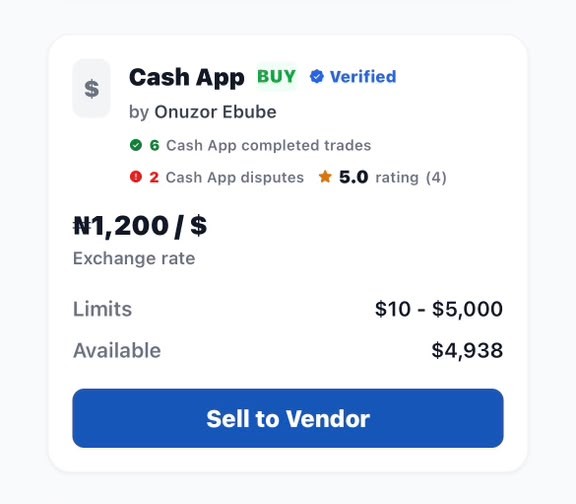
Browse the offers available to your account. Review the vendor, supported receiving method, limits, rate, amount and any conditions before you proceed.
The marketplace is designed to make each stage easier to understand. Always rely on the instructions and status shown inside your active trade.
Browse the offers available to your account. Review the vendor, supported receiving method, limits, rate, amount and any conditions before you proceed.
Confirm that the trade details are correct. Follow only the payment instructions displayed for that specific transaction and keep the trade reference.
Make or confirm the payment as instructed. Submit genuine evidence when requested and wait for the transaction status to update before taking further action.
Vendors may list supported external payment methods. The options visible to you can depend on location, vendor availability and platform requirements.
Create your Flixsend account to explore the marketplace, review available offers and access the services currently supported for your account.

Move money. Trade value. Stay borderless.
Get Flixsend on your device.
Install on iPhone or iPad
1. Open this website on any browser.
2. Tap the Share icon.
3. Select "Add to Home Screen".
4. Tap "Add".
Install on Android
Tap the Install App button below if available.
If it isn't available, open Chrome's menu (⋮) and choose "Install app" or "Add to Home screen".
Install on your computer
Open your browser menu and look for "Install app".